
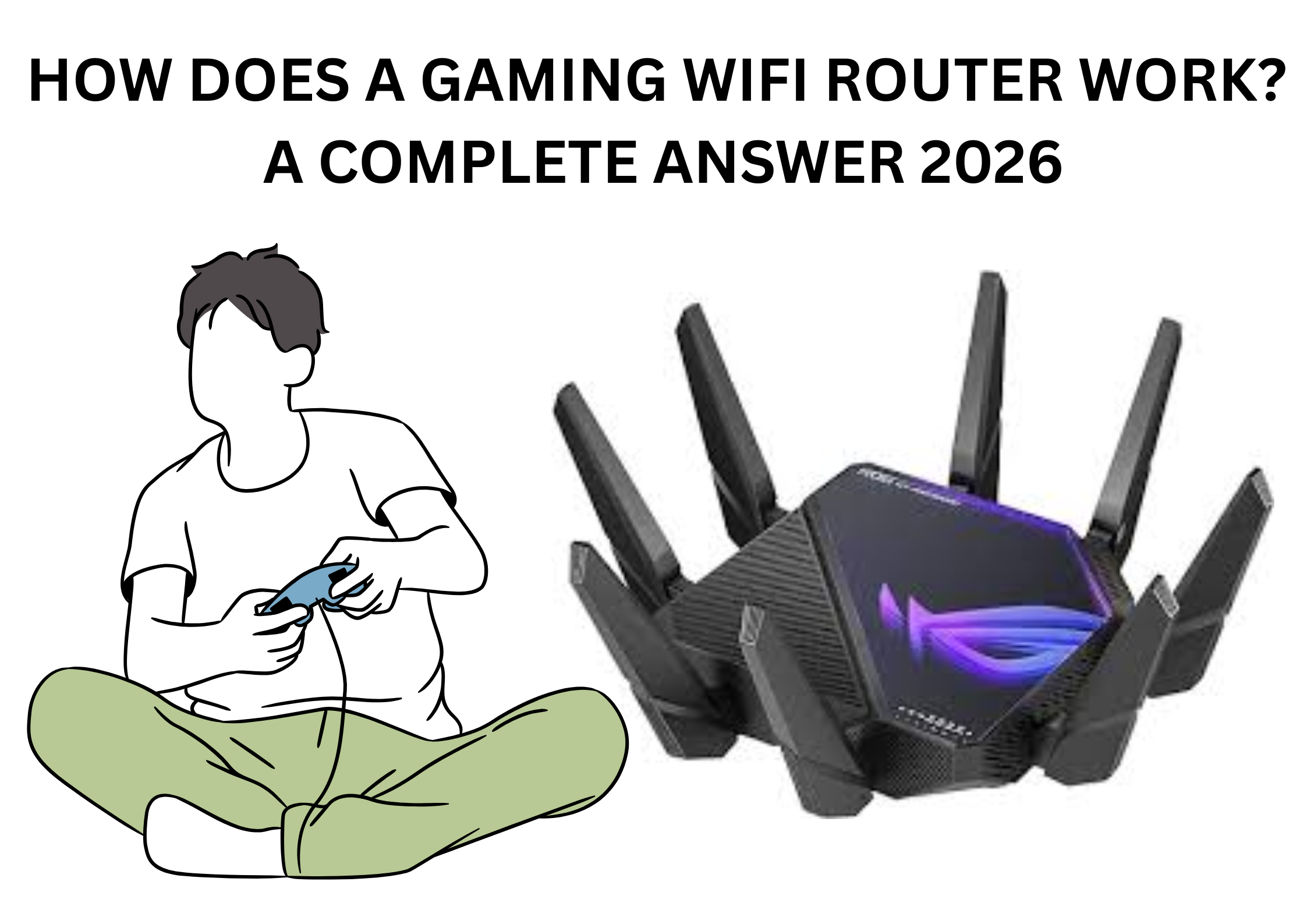
There’s no denying that games are becoming larger and more expansive. Depending on your settings, extremely popular games may even take up more than 100GB on your PC. Moreover, numerous games in that same category focus on massively multiplayer experiences. Considering everything, there has never been a better excuse to use a gaming router. Again, selecting the ideal WiFi router for your house can be difficult, particularly if you’re not sure if a gaming router is appropriate for the amount of internet.
The good news is that wireless technologies and gaming routers have advanced significantly. With the release of Wi-Fi 6, Wi-Fi 6E, and now Wi-Fi 7, wireless connectivity is at its best and more similar to wired networking than it has ever been.
“Gaming routers” are routers designed specifically for online gaming. Gaming routers are amazing products designed to the latest wireless standards, providing reliable, consistent connectivity whether you’re gaming or streaming via Wi-Fi.
Nowadays, gaming routers are provided by the majority of router manufacturers. This article will define gaming routers and explain “How does a gaming WiFi router work? “
What Is a Gaming WiFi Router?
A wireless router that gives priority to online multiplayer gaming is known as a gaming router. These Gaming routers are more advanced than conventional routers, and they feature some advanced technology. Their purpose is to increase efficiency and to prioritize the user’s preferences. These devices can optimize your local internet traffic configuration.
In order to fulfill the demands of advanced gaming and streaming, gaming routers typically make use of cutting-edge technologies. Gaming routers can be distinguished from regular routers by their QoS (Quality of Service) features. A Quality of Service (QoS) feature’s main goal is to make sure that your data gets to its destination quickly.
Important Features of Gaming Router
1. Improved connection speeds
Gaming routers process data faster and with greater capacity. Thus, they can provide the highest level of visual and audio accuracy, especially when using shared connections. A gaming router reduces interference when your family or roommates stream simultaneously because it is designed to handle more traffic.
2. Quality of Service (QoS)
You can prioritize online gaming and video streaming over other activities with Quality of Service (QoS). Depending on the requirements, you can even change the router’s priorities for both downstream and upstream traffic. QoS assists users in controlling their connection and determining how effective their hardware is at minimizing disruptions.
With the help of these features, users can complete high-priority tasks without committing mistakes, even if with a certain amount of sustained bandwidth.
3. Bandwidth regulation
You may regulate how much bandwidth each user in your house can access at any given time. It lets you prioritize traffic by device.
4. Reduce Latency
Furthermore, latency is reduced greatly by QoS. Latency describes the duration of data transmission between a user’s computer and the computer of another player or the server hosting the game. When playing online, it is measured in milliseconds.
5. Enhanced audio and visual quality
Excellent quality is the main advantage of the gaming router. It reduces all forms of audio and visual distortion by optimizing your streaming connection. There won’t be any fewer freeze frames or game stutter to deal with.
6. Minimize packet loss
In order to distinguish gaming traffic from other applications, a gaming router can use deep packet inspection to prioritize traffic.
7. Reduced data loss
Gaming routers can help to ensure that traffic moves smoothly along the quickest routes by using their faster sorting capabilities. This enables them to significantly lower the data loss that is frequently the cause of latency-related issues.
8. Greater hardware configuration
When compared to their conventional counterparts, the majority of gaming routers have better construction and design quality. You’ll notice significantly improved performance and more responsive operation with better processors and built-in memory.
9. Upgraded security features
While most routers come with some kind of built-in security, gaming routers are the best option for complete security and comfort. Compared to a regular router, gaming routers offer better protection against malware and intrusion thanks to expanded connection protocols and built-in antivirus software.
How Does a Gaming Wifi Router Work?
- A specialized networking device called a gaming router is made to maximize internet connectivity for online gaming.
- It lowers latency, gives gaming traffic priority over other internet traffic, and offers a dependable and steady connection for a better gaming experience.
- The main focus on network performance optimization for gaming sets a gaming router apart from a conventional router.
- It reduces lag and latency by prioritizing gaming data packets using cutting-edge technologies like traffic shaping algorithms and quality of service (QoS). Furthermore, dual-band WiFi, advanced security features, and settings that can be customized especially for gaming are often built into gaming routers.
- It uses advanced technologies like beamforming and MU-MIMO (Multi-User, Multiple-Input, Multiple-Output) to manage several devices connected to the network. By effectively allocating bandwidth among linked devices, these features enable the router to maintain reliable connections and lessen congestion.
- With multiple Ethernet ports available for wired connections, you can directly connect gaming consoles or PCs to them for optimal speed and stability. Dual-band WiFi is another feature that gaming routers offer, enabling wireless connections for additional devices like laptops, tablets, and smartphones.
How to Set up a Gaming Router?
- Use an Ethernet cable to first connect the router to your modem.
- Use a web browser to access the router’s administration interface, then follow the instructions to customize the router’s settings.
- This setting includes configuring wireless network names (SSIDs), creating a username and password, and turning on particular gaming-related features like quality of service (QoS).
- To get the best performance, make sure the router’s firmware is up to date.
Reference: What is a gaming router?
FAQS
- Does a gaming WiFi router make a difference?
Yes, a gaming WiFi router makes a difference. It enhances security, optimizes performance, and gives priority to some types of traffic over others on your home network.
2. Is gaming Wi-Fi worth it?
Gamers who value low latency, fast connectivity, and trying to obtain an advantage over other competitors in the virtual gaming world would be wise to invest in a gaming router. So, if you’re a serious gamer, invest in a gaming Wi-Fi router.